Helloworld简单入门指南
1. 天气查询Helloworld
创建项目:
uv init my-weather-helloworld
cd my-weather-helloworld
创建虚拟环境
# Create virtual environment
uv venv
# On Unix or MacOS:
source .venv/bin/activate
# 然后即可通过add方法在虚拟环境中安装相关的库。
uv add mcp httpx openai python-dotenv fastapi aiohttp
设置开发相关的Key
# Create a `.env` file to store it, Create .env file
touch .env
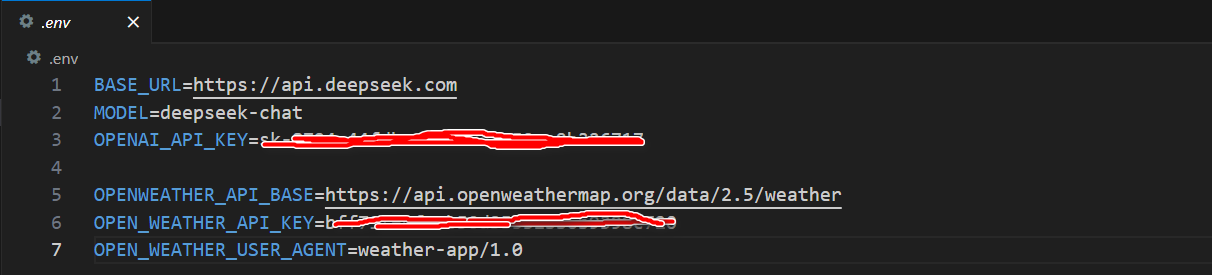
Add .env to your .gitignore:
echo ".env" >> .gitignore
1.1 stdio transport 通信
创建服务器端与客户端代码:stdio_transport_server.py 和 stdio_transport_client.py
运行测试:
source .venv/bin/activate
uv run stdio_transport_client.py stdio_transport_server.py
1.2 HTTP with SSE transport通信
创建服务器端与客户端代码:http_with_sse_transport_server.py 和 http_with_sse_transport_client.py
source .venv/bin/activate
uv run http_with_sse_transport_server.py
uv run http_with_sse_transport_client.py
参考:
OpenWeather官网: https://openweathermap.org/